
Wifi Security Mode

WiFi Security Mode: Understanding the Different Types and How to Change Them
WiFi security is a crucial aspect of protecting your wireless network from unauthorized access and data theft. With various security modes available, it can be confusing to choose the right one for your needs. In this article, we will explore the different types of WiFi security modes, their characteristics, and how to change them.
Types of WiFi Security Modes
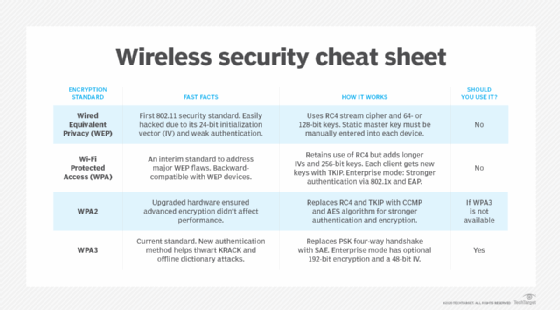
There are several types of WiFi security modes, including WEP, WPA, WPA2, and WPA3. Each mode has its strengths and weaknesses, which we will discuss below.
WEP (Wired Equivalent Privacy)
WEP is the oldest and most insecure WiFi security mode. It uses a static key for encryption and is vulnerable to hacking. We strongly advise against using WEP due to its weak security features.
WPA (WiFi Protected Access)
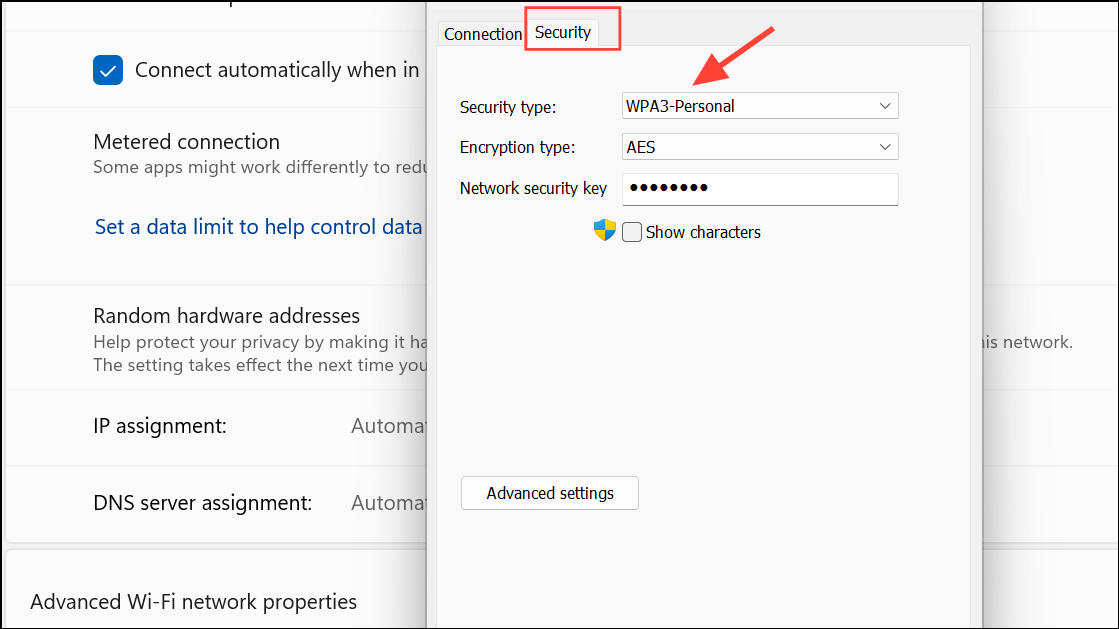
WPA is an improvement over WEP, but it still has some security flaws. It uses a dynamic key for encryption and is more secure than WEP. However, it is not as secure as WPA2 or WPA3.
WPA2 (WiFi Protected Access II)
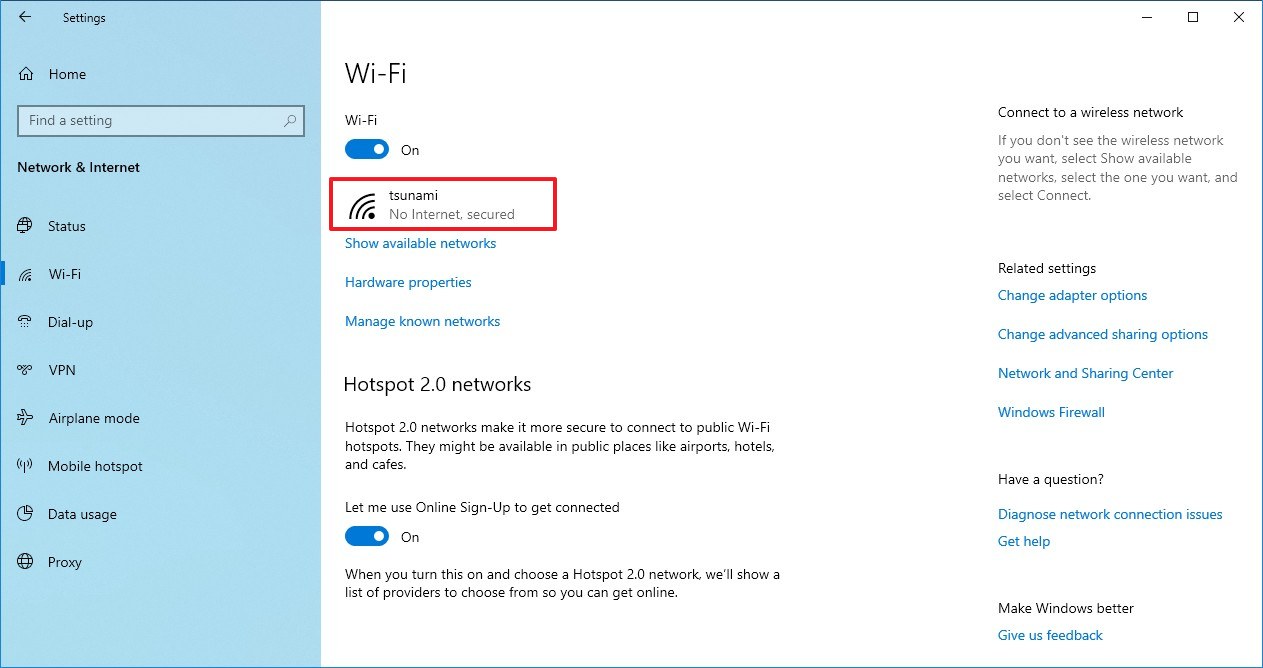
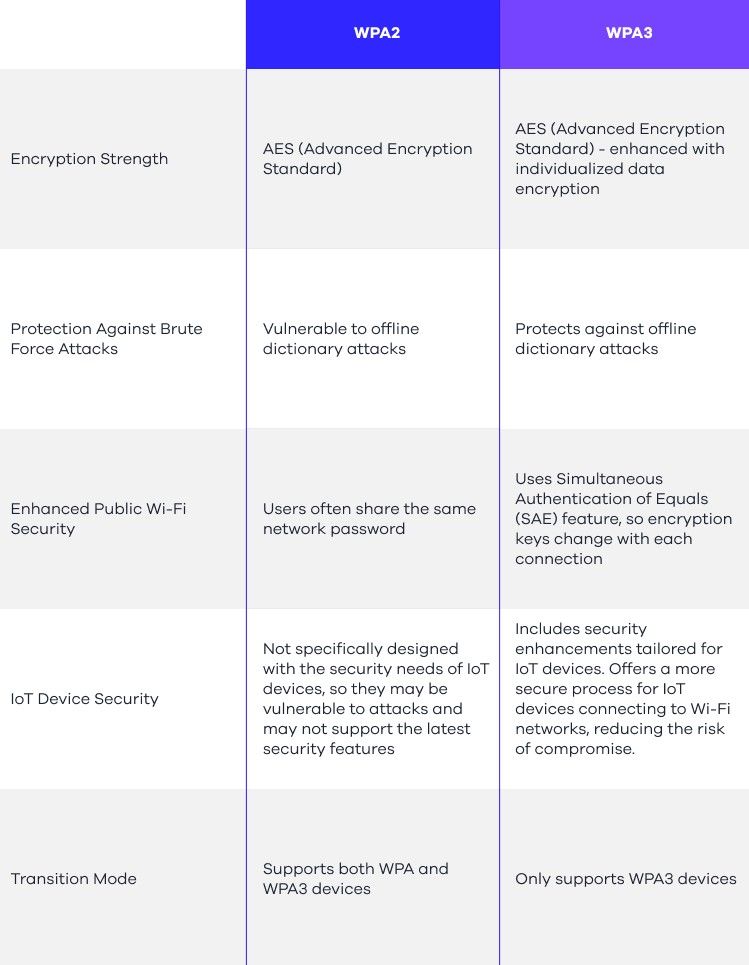
WPA2 is the most widely used WiFi security mode and offers strong encryption. It uses AES (Advanced Encryption Standard) for encryption and is more secure than WEP and WPA.
WPA3 (WiFi Protected Access III)
WPA3 is the latest WiFi security mode, introduced in 2018. It offers even stronger encryption than WPA2 and is more secure against hacking attempts.
How to Change Your WiFi Security Mode
To change your WiFi security mode, you need to access your router’s web interface. The steps may vary depending on your router model and manufacturer.
- Open a web browser and type the IP address of your router (usually 192.168.0.1 or 192.168.1.1).
- Log in to your router using the admin username and password.
- Navigate to the Wireless Settings or Security section.
- Select the desired WiFi security mode from the dropdown menu.
- Save changes and restart your router.
Conclusion
In conclusion, understanding the different types of WiFi security modes is crucial for protecting your wireless network. By choosing the right security mode and following the steps to change it, you can ensure a secure and reliable connection.