
Wifi Security Issues And Solutions

WiFi Security Issues and Solutions
WiFi networks have become an essential part of our daily lives, providing us with convenient internet access from anywhere within range. However, this convenience comes with a price – WiFi security issues that can compromise our personal data and put our devices at risk.
Common WiFi Security Issues
There are several common WiFi security issues that can affect your network:
- Unsecured IoT Devices: Many IoT devices lack robust security features, making them easy targets for malware, botnet, and phishing attacks.
- Weak or Default Passwords: Hackers exploit easily guessable, shared, or default passwords to access networks and devices.
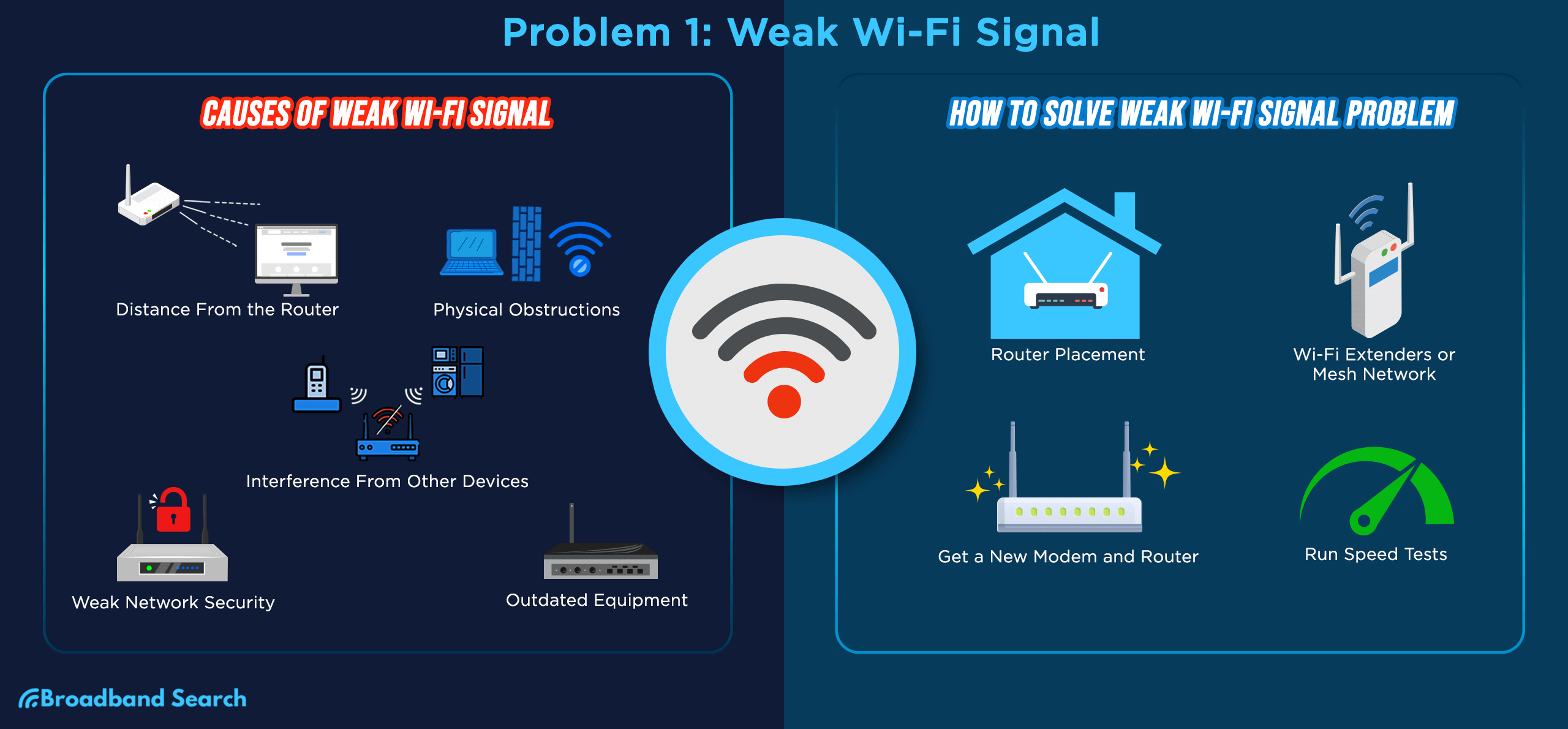
- Outdated Firmware on Routers or Devices: Older firmware may have unpatched vulnerabilities and outdated router settings.
Solutions to WiFi Security Issues
To protect your WiFi network from these security issues, consider the following solutions:
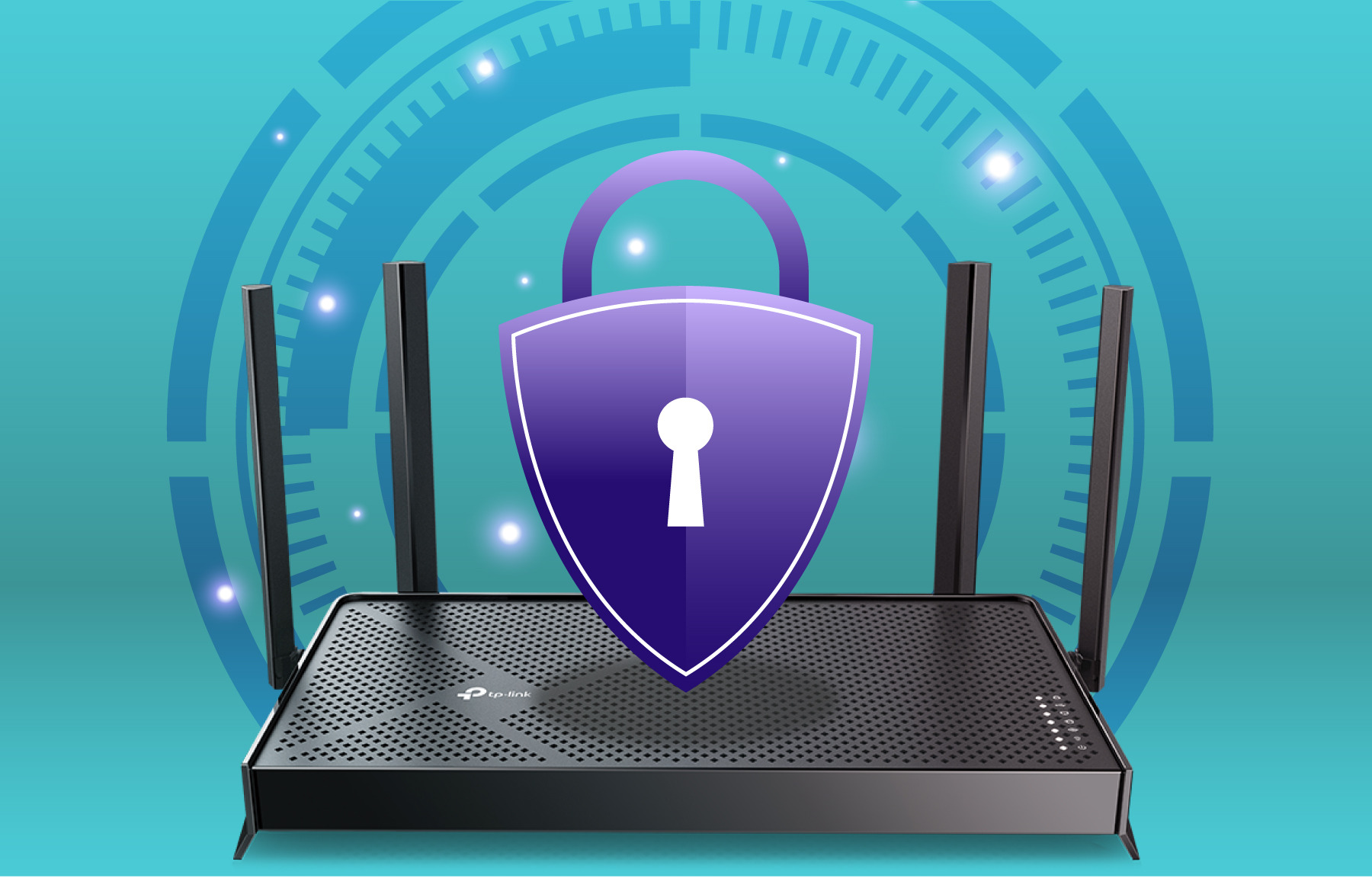
- Upgrade Your Router: Upgrade to a newer router with robust cybersecurity features, such as WPA3 encryption and firmware updates.
- Use Strong Passwords: Create strong and unique WiFi passwords for WiFi and admin access, and change them regularly.
- Enable Two-Factor Authentication: Log in with two-factor authentication to add an extra layer of security.
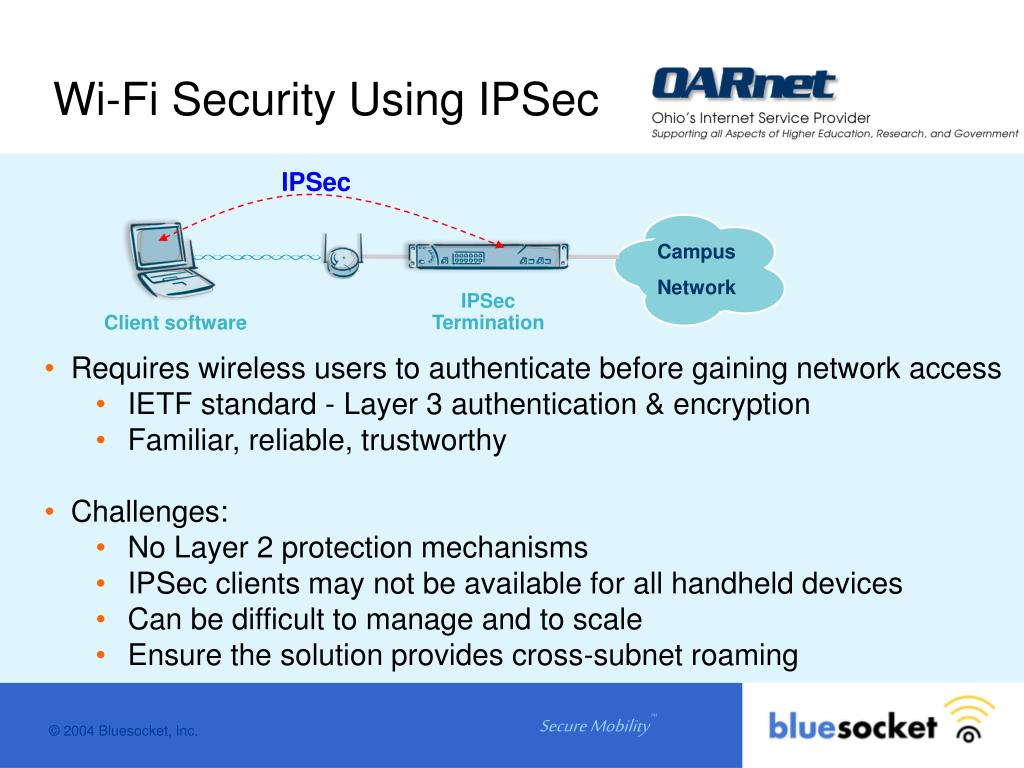
Additional Tips for Wireless Security
In addition to the solutions mentioned above, here are some additional tips for wireless security:
- Use a VPN: Use a Virtual Private Network (VPN) to encrypt your internet traffic and protect your data.
- Regularly Update Firmware: Regularly update firmware on routers and devices to ensure you have the latest security patches.
- Disable Unnecessary Internet Access: Disable unnecessary internet access for IoT devices to reduce the attack surface.
Conclusion
WiFi security issues are a serious concern, but by taking the right steps, you can protect your network and devices from these threats. By upgrading your router, using strong passwords, enabling two-factor authentication, and following additional wireless security tips, you can ensure a safe and secure WiFi experience.
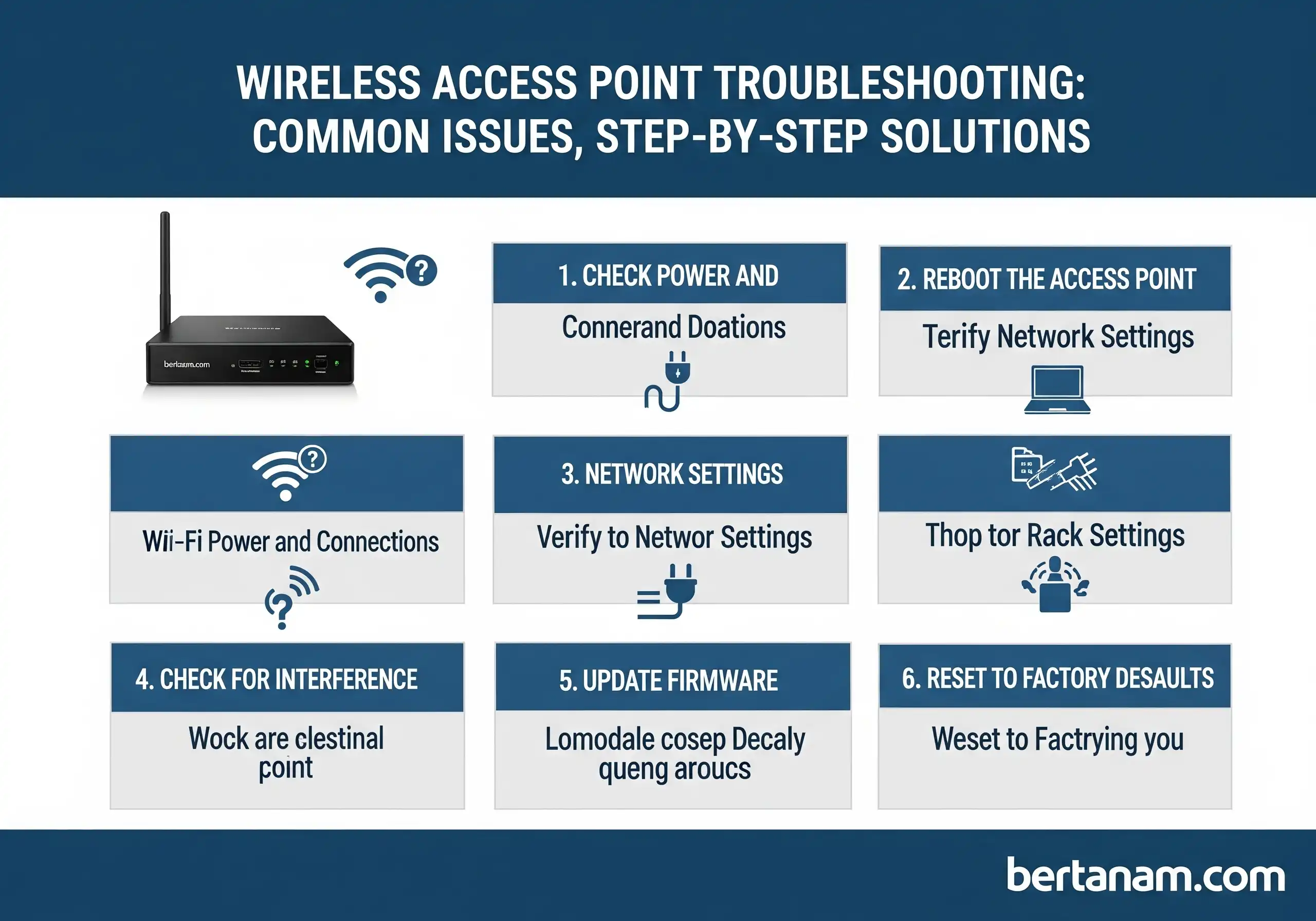
Remember, WiFi security is an ongoing process that requires regular monitoring and maintenance. Stay vigilant and take the necessary steps to protect your network and devices from emerging threats.
Final Thoughts
By following the tips and solutions outlined in this article, you can significantly improve your WiFi security and protect your network from common threats. Remember to stay informed about emerging threats and take regular steps to maintain your WiFi security.
Stay safe online!